
 1 · COLLECTLease / condition
Use the same room order
GetInstantProof guide
Photograph each room systematically at move-in and move-out using wide, medium and close views, then link the images to the condition report and any repair history. Preserve the original files and record dates.
General information only — not legal advice · Reviewed 2 October 2026
Keep the originals, organise the important records, connect them to the events they support, then make missing information visible.
1 · COLLECTLease / conditionUse the same room order
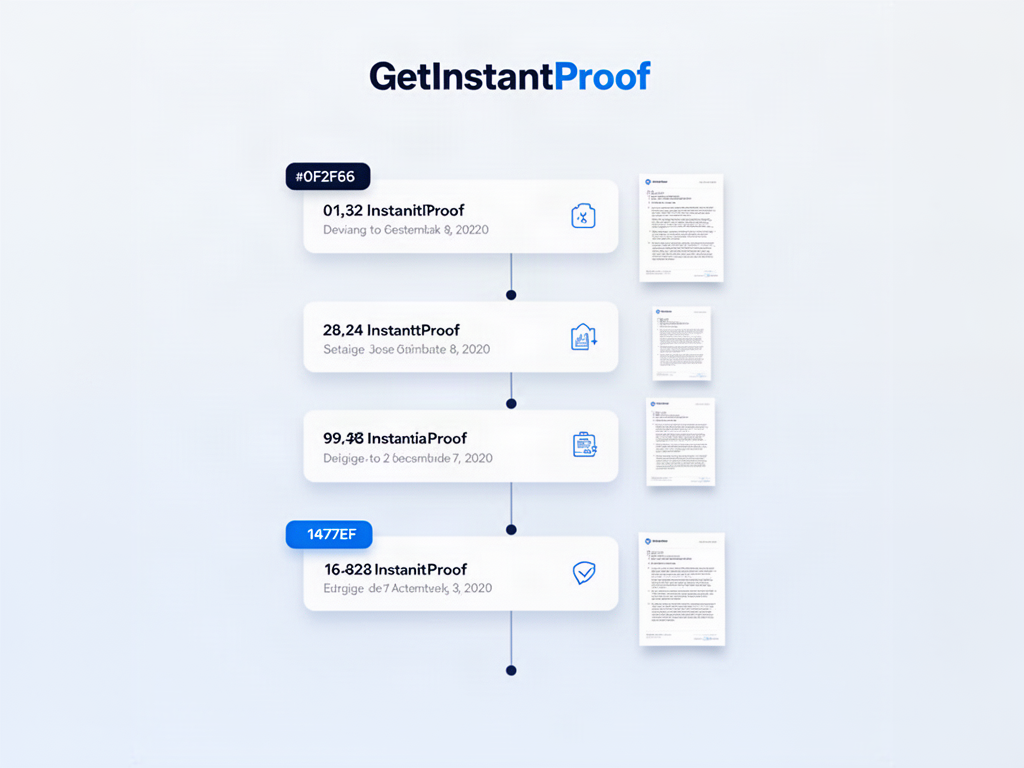 2 · ORGANISEPayments / notices
Use wide, medium and close views
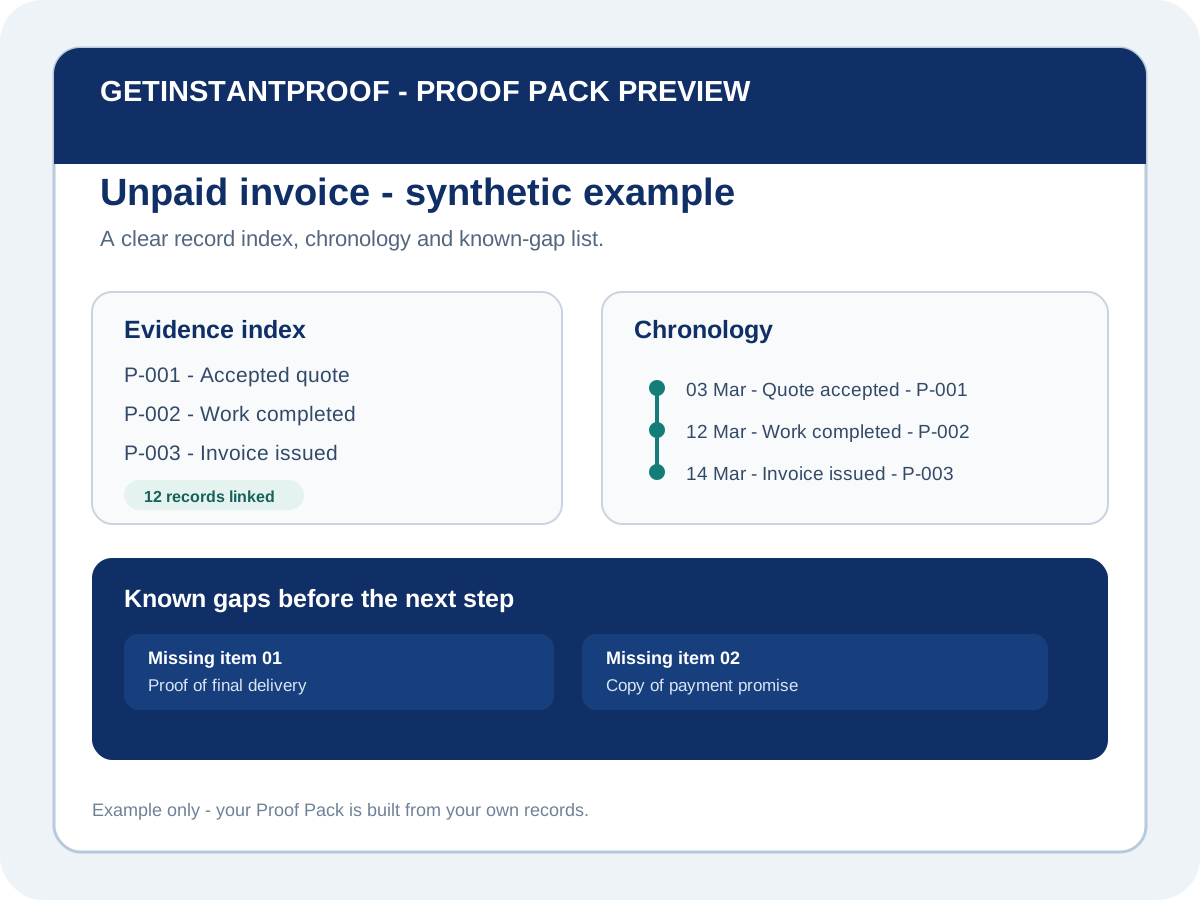 3 · PROOF PACKRepair / deposit trail
Link photos to the condition report
Work through the property in a consistent sequence so move-in and move-out sets can be compared.
Capture room context, specific surfaces and close detail only where needed.
Reference room/item labels rather than leaving images in an unstructured camera roll.
Keep original files and avoid filters or edits that alter condition.
| Room/item | Move-in record | Move-out record | Repair/history note |
|---|---|---|---|
| Living room wall | Photo IN-12 | Photo OUT-09 | Patch repair documented 8 August |
| Kitchen bench | Photo IN-24 | Photo OUT-21 | No repair record |
Synthetic example only.
A photo record documents condition; it does not decide who is legally responsible for damage, cleaning or deductions.
Continue the journey
Common questions